An app with your name on it.
Your membership, your weekly call, your library and your circle, in one place your members open every week. You run it from your phone: write the note, add a recording, let someone in.
- Opens from a link, no app store
- Members sign in with a code by email
- Payments stay where they are

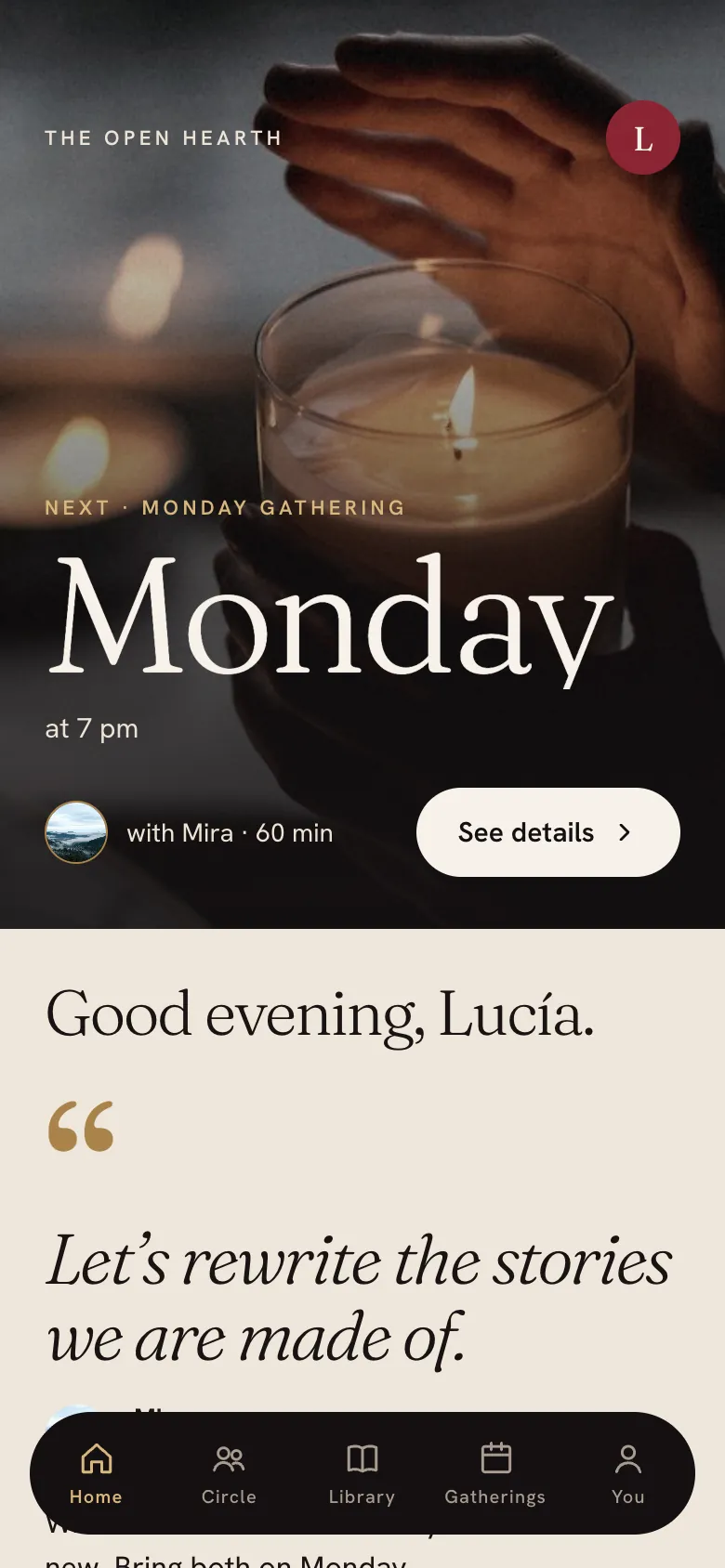
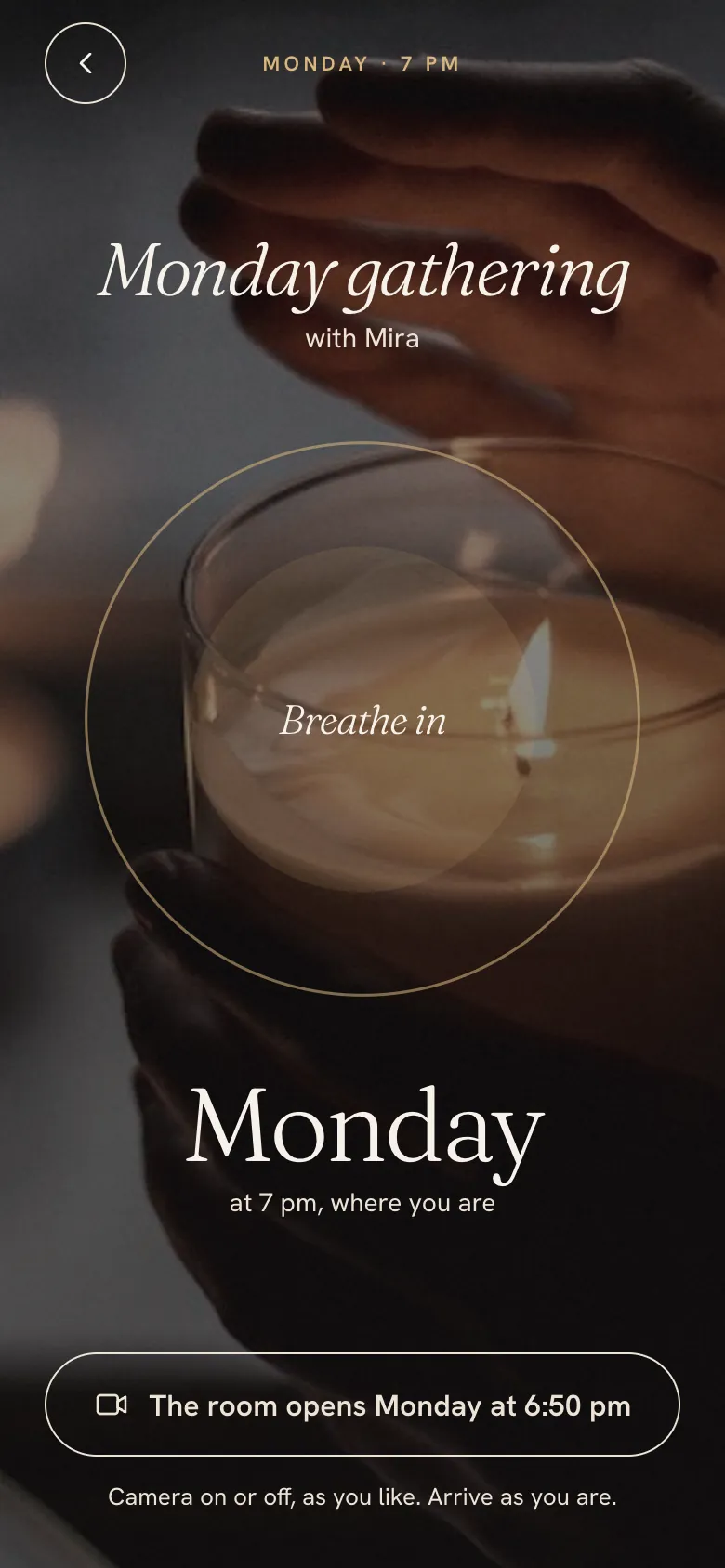
For members
Home, the live-call room, the library and the circle.
For you
Studio, for members, notes, recordings and the weekly call.
Yours
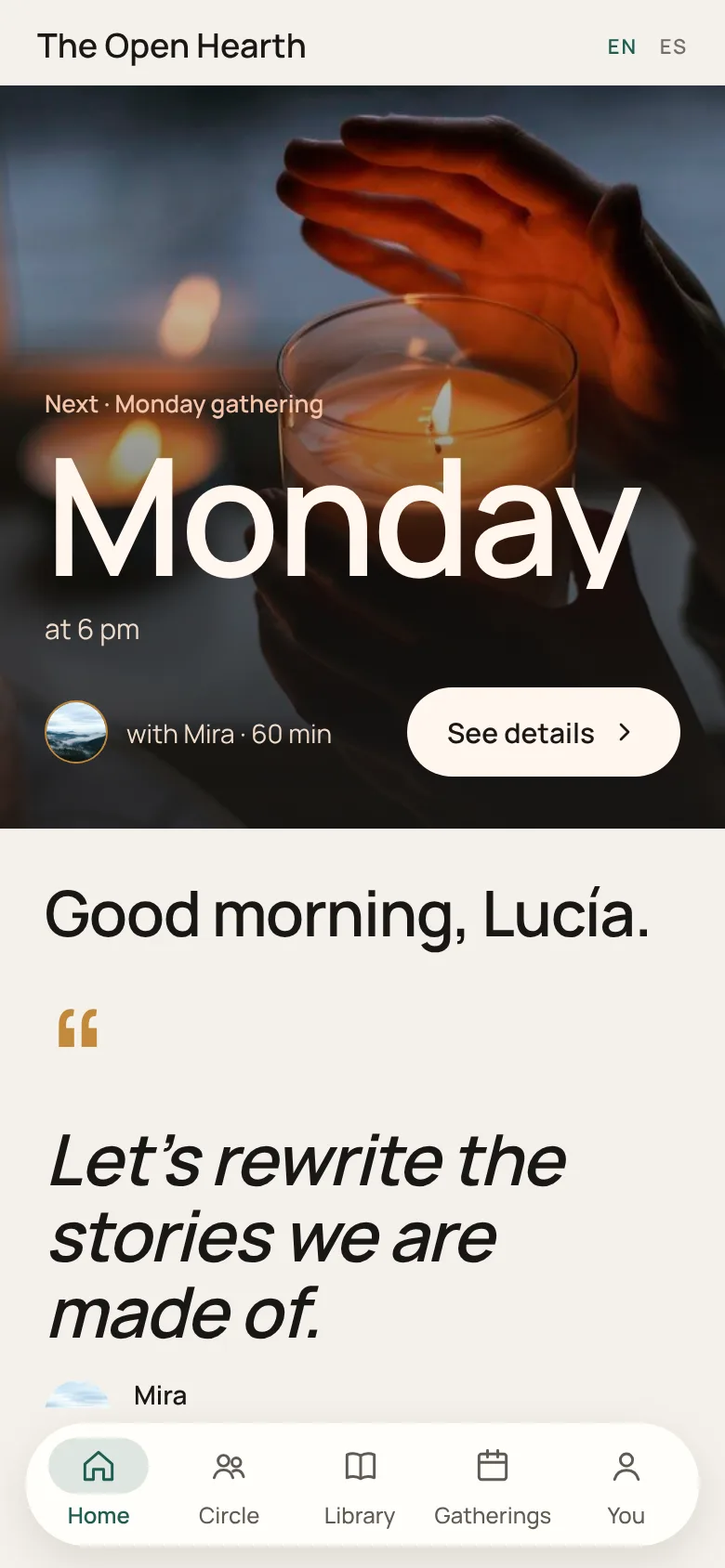
Your name, your photos and your look, in English and Spanish.
A few a year. The demo uses sample content.
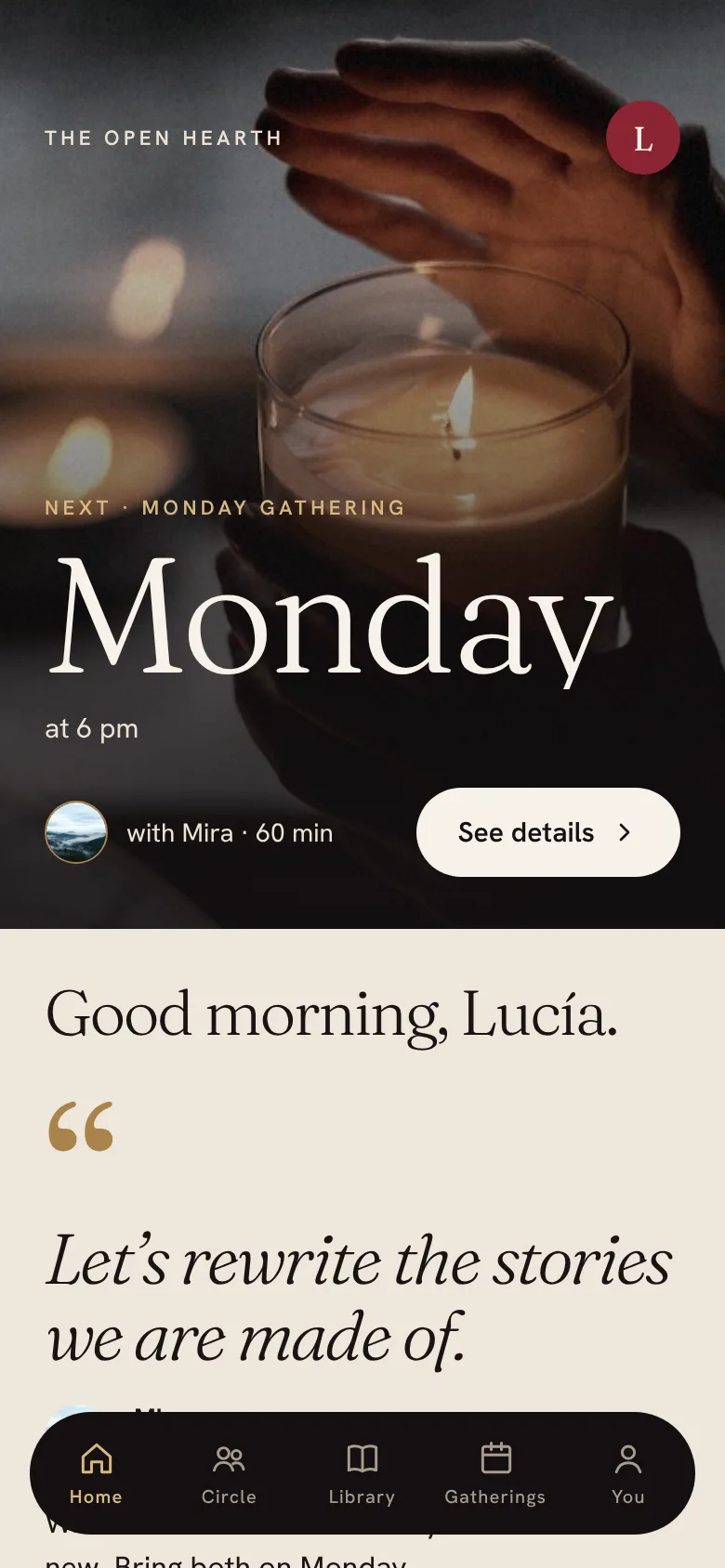
Your look, not ours.
Five looks to start from, each in light and dark. We set yours with your photos, your colours and your words.
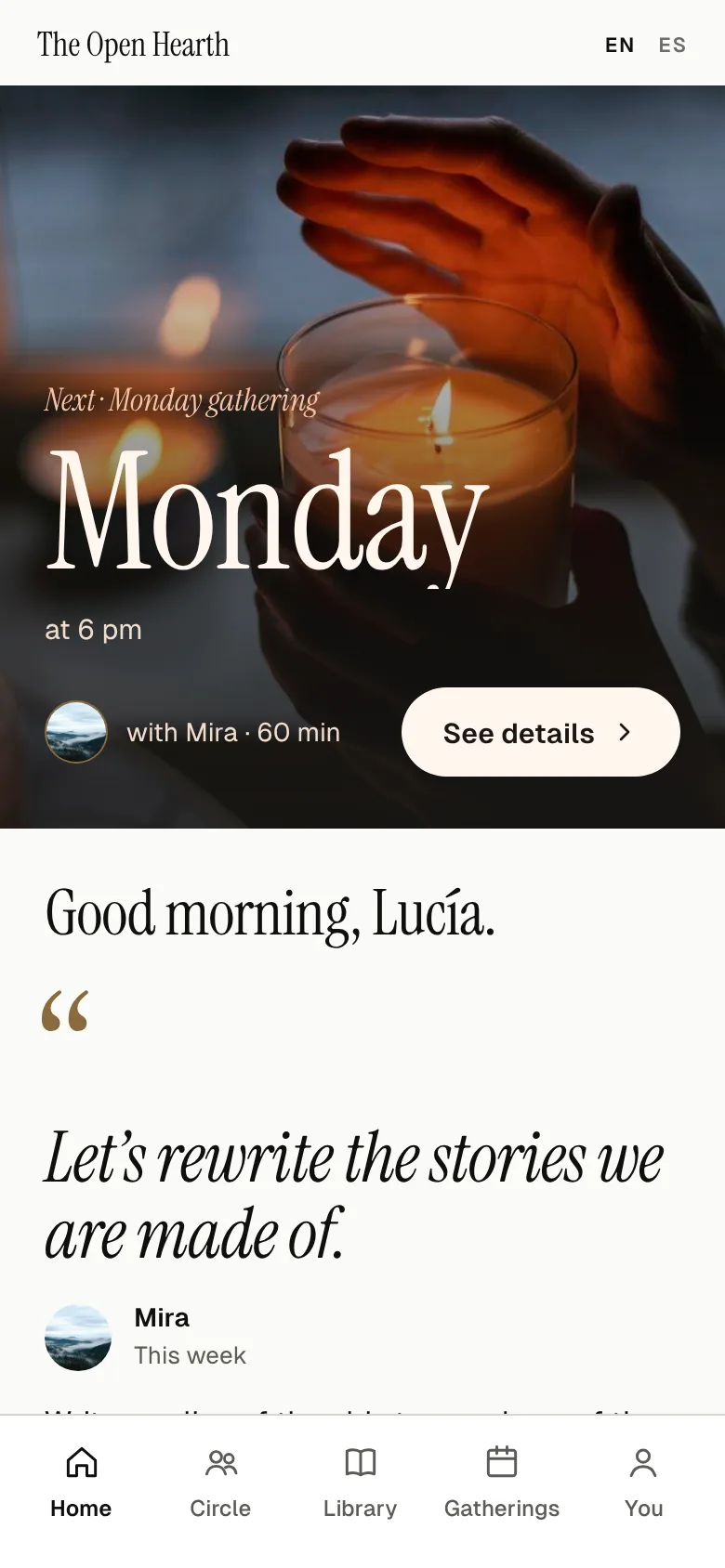
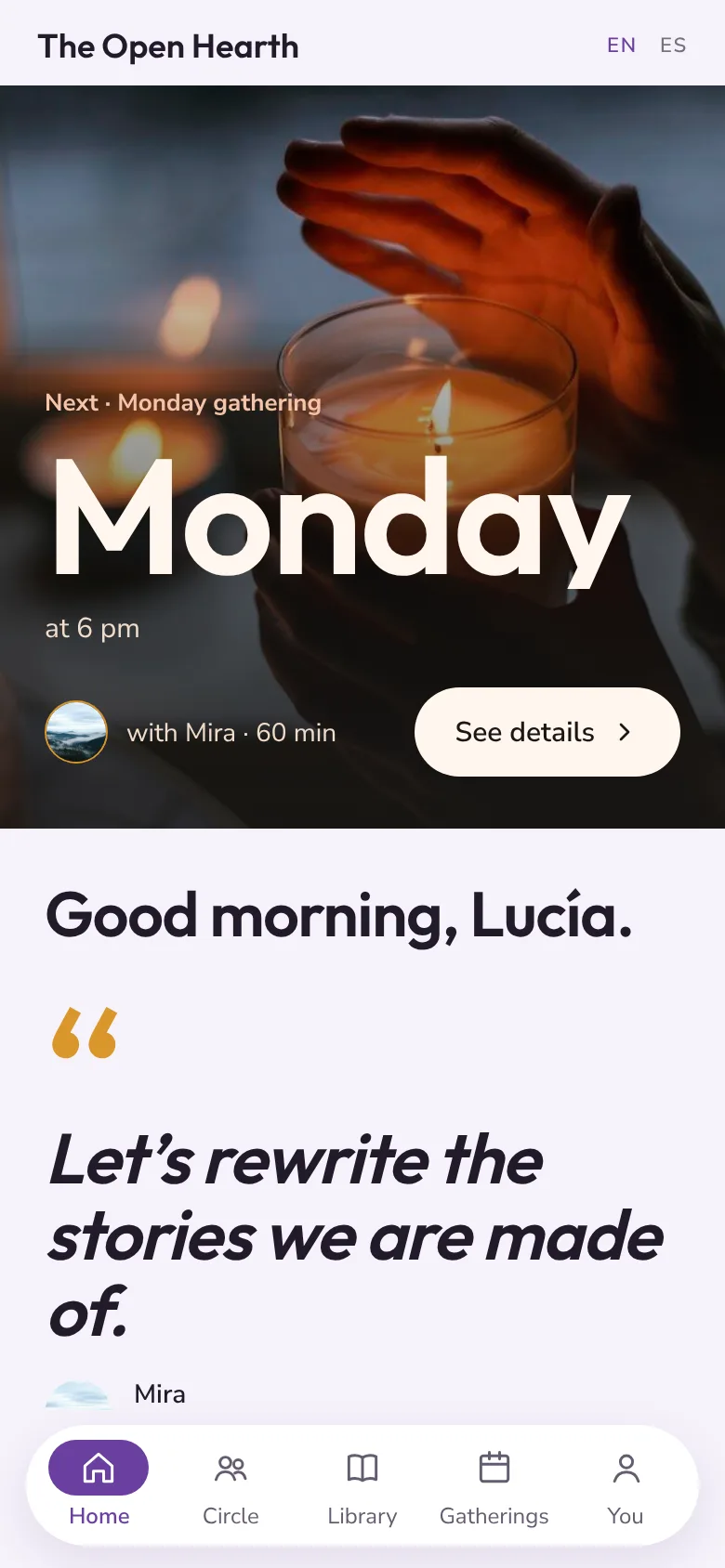
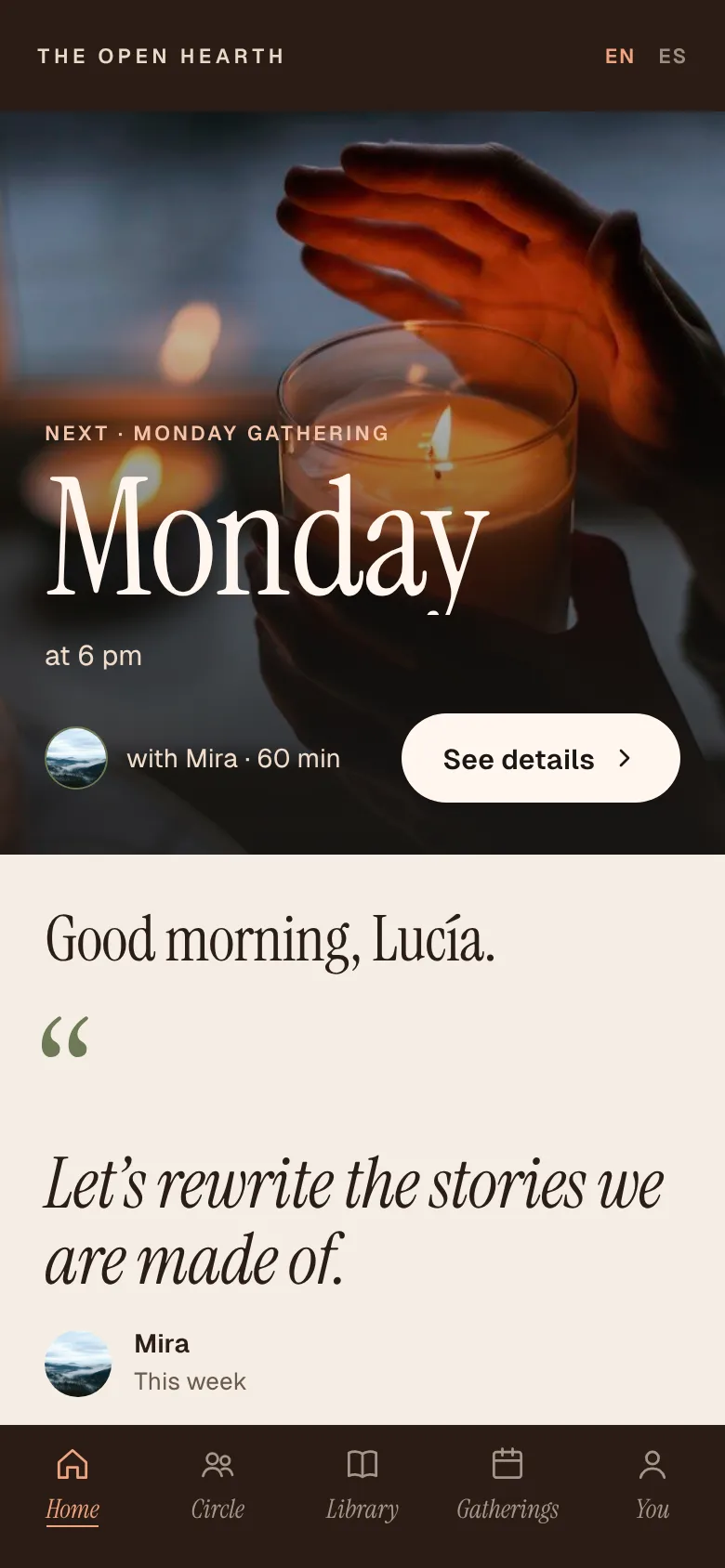
Your week, from your phone.
Studio is the side only you see. Four things, a few minutes each.
Write the week’s note
One line of yours on everyone’s home screen, and a prompt for the next call.
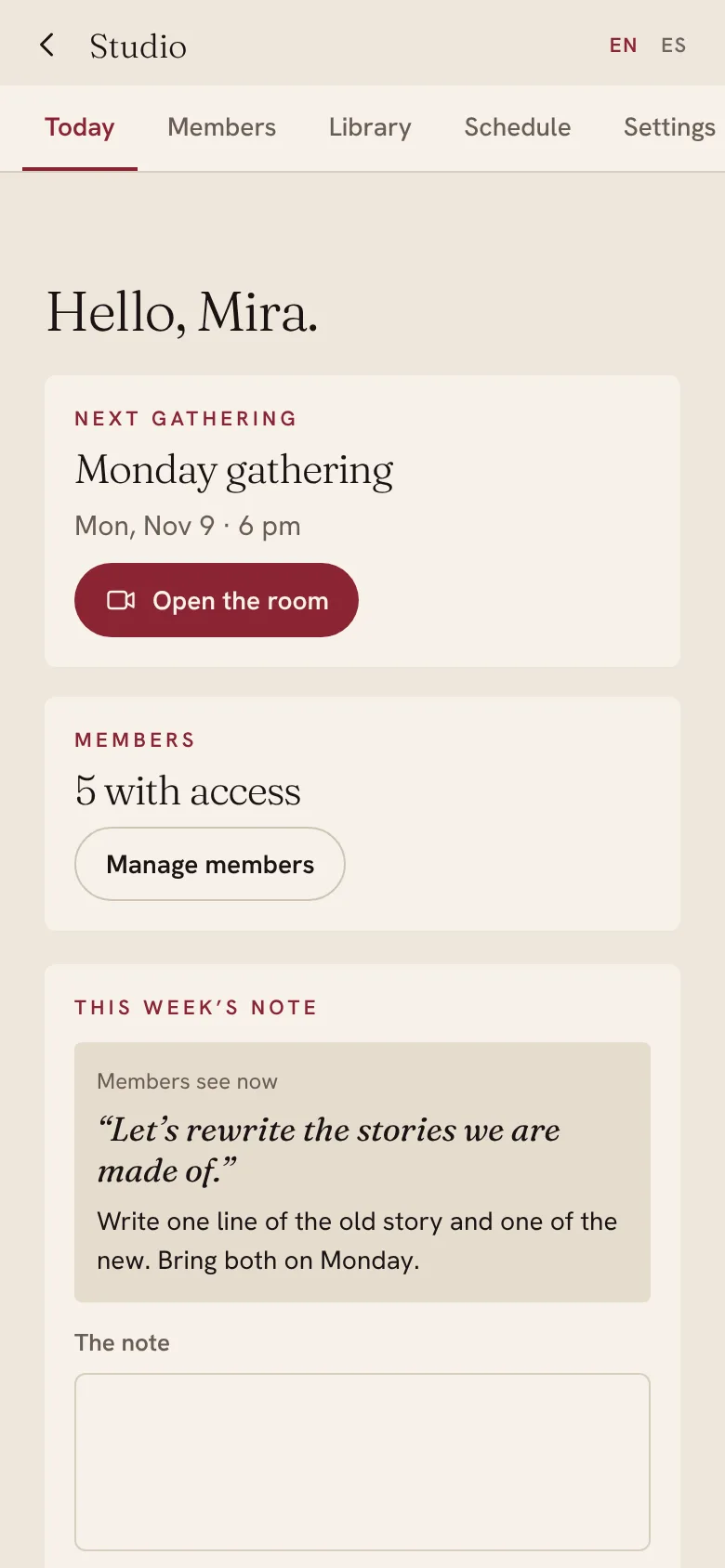
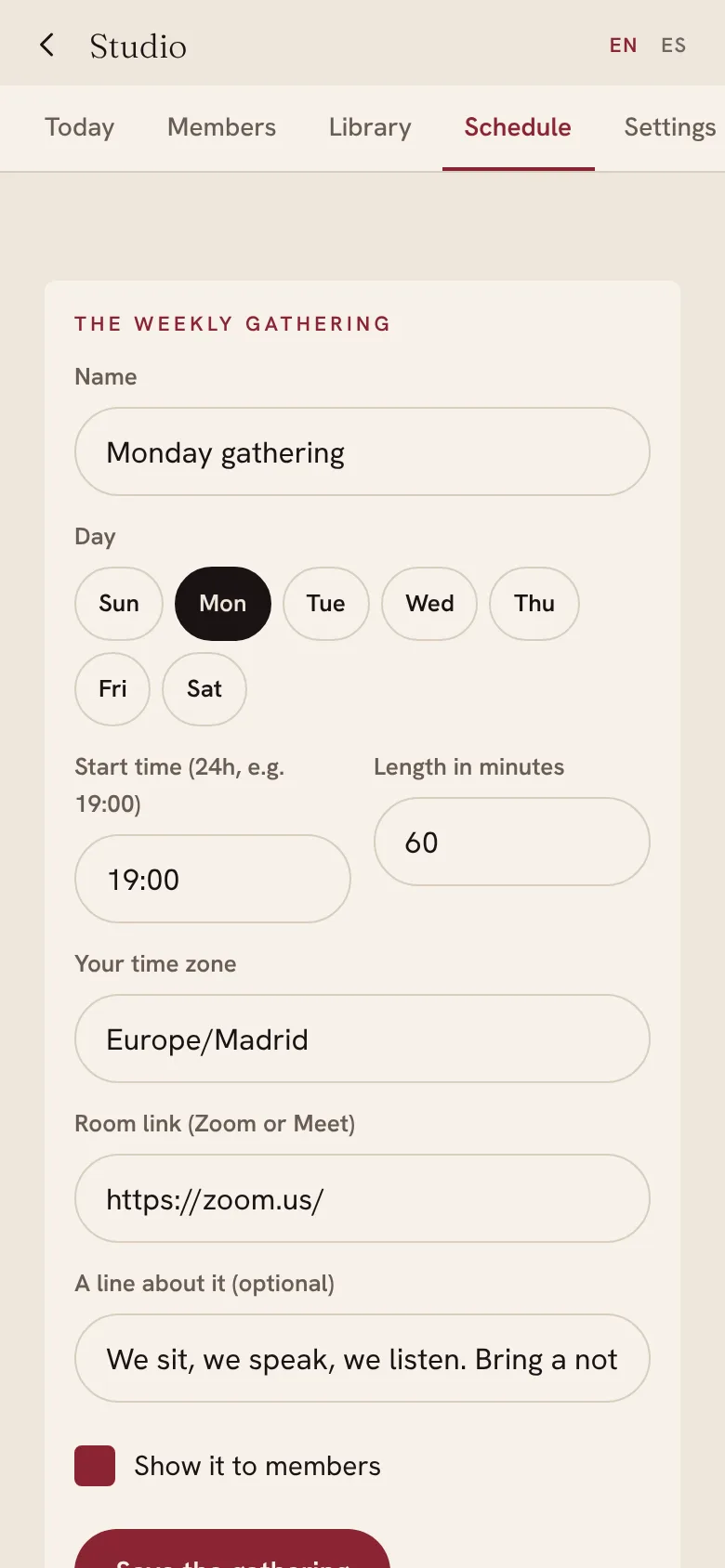
Set the weekly call
Day, time and your Zoom or Meet link. Members see it in their own time zone, and the room opens a few minutes before.
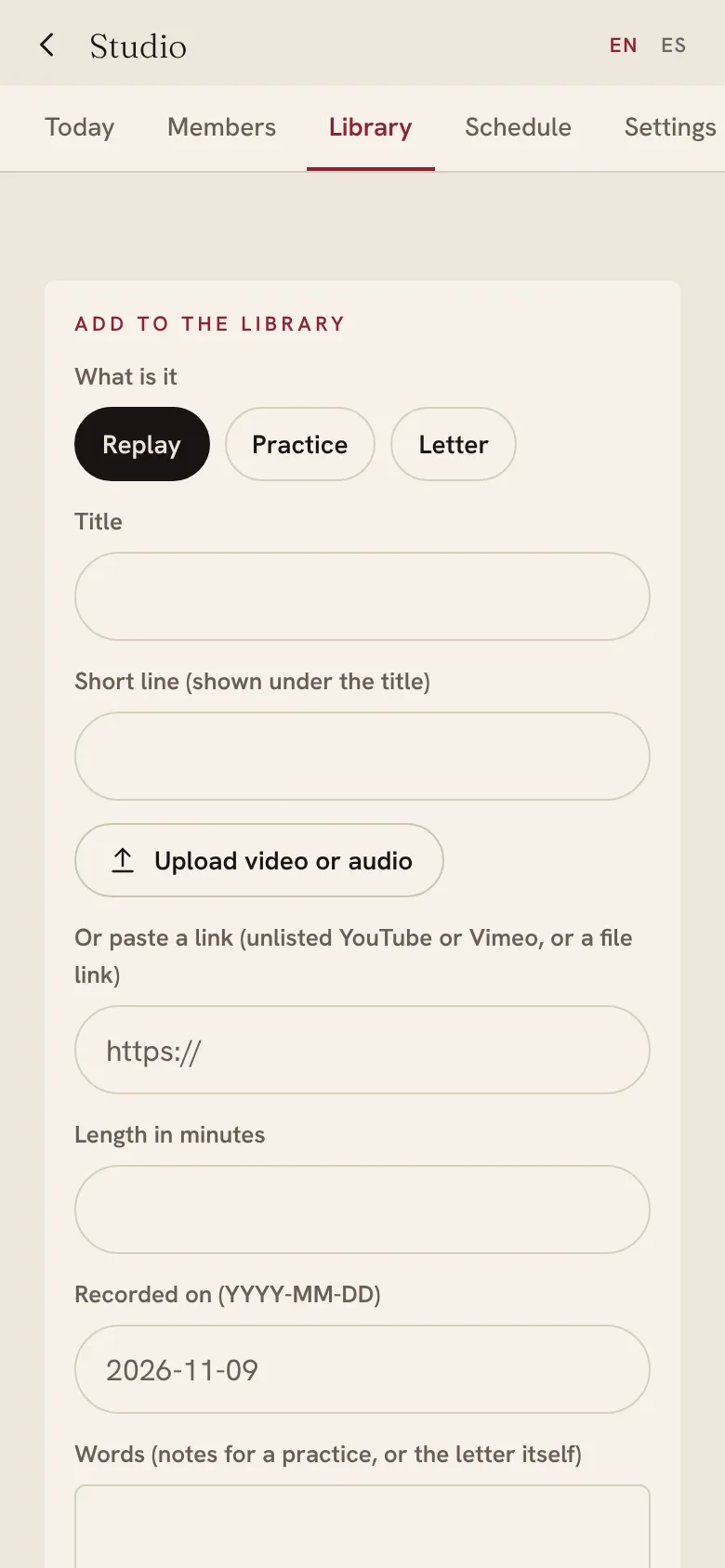
Add the recording
After the call, upload the video or audio, or paste a link. It lands in the library as a replay.
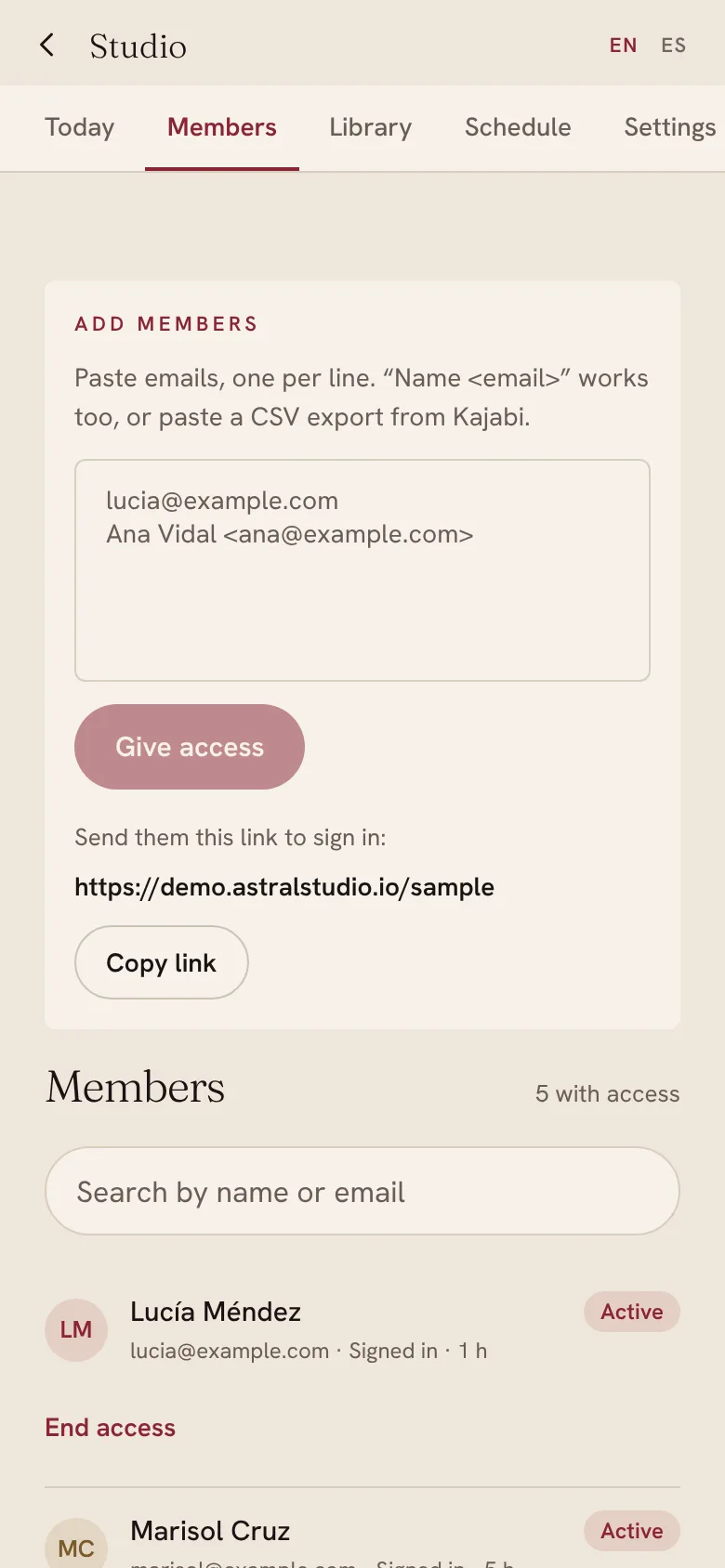
Let someone in
Paste their emails, or the export from Kajabi. They get in with a code sent to their email.
Questions.
Do my members need to download anything?
No. They open your link, sign in with a code sent to their email, and can add it to their home screen so it opens like any other app.
Can I keep taking payments where I do now?
Yes. The join button goes to wherever people pay you now, Kajabi, Stripe or anything else, and you let them in from Studio with their email.
How do the live calls and replays work?
You keep using Zoom or Meet. The app shows the next call with a countdown and opens the room a few minutes before. Afterwards you add the recording and it appears in the library.
Can it have my own address?
Yes. It runs on your own address, like app.yourname.com, with your name, your photos and your words.
Is it in Spanish?
Yes. Every screen is in English and Spanish, and each member sees their own language.
What does it cost?
We take on a few a year, so it’s quoted after a free call: a set-up fee and a small monthly fee for hosting and care.